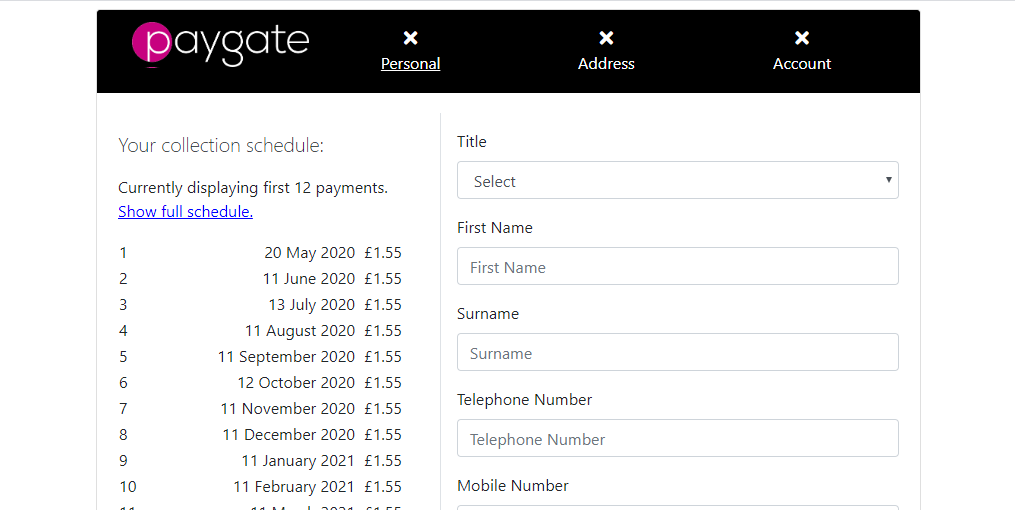
Styling Options
Introduction
In the product, it is possible to provide a custom stylesheet that will override the rules specified by default on both the onboarding form and the email verification page.
The Manage Stylesheet page can be accessed from the Collections section of the main menu under the Onboarding menu item.
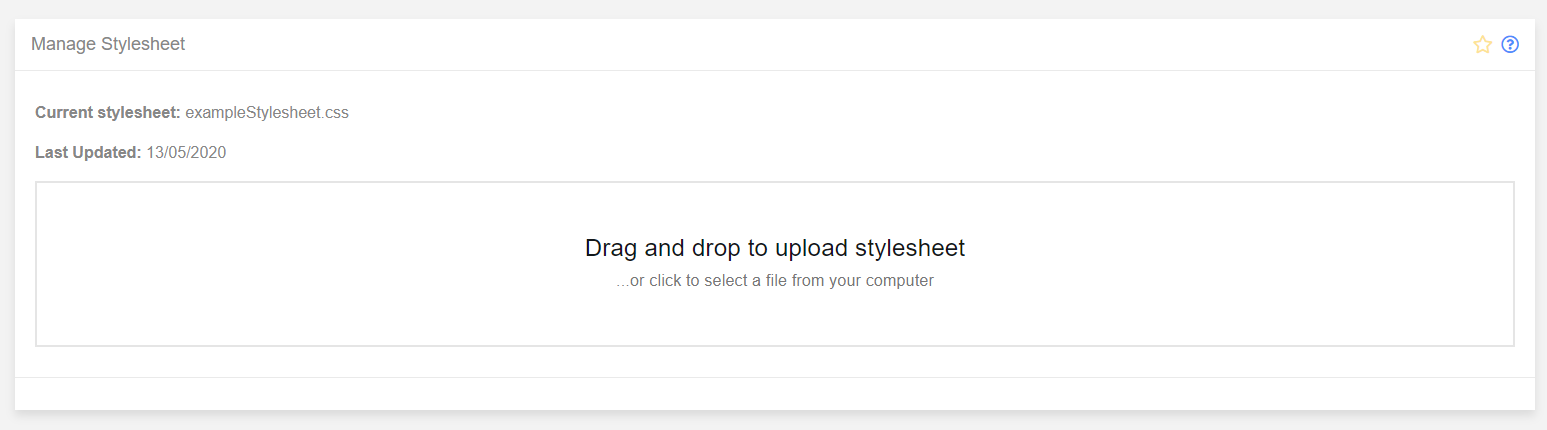
The user will be able to select a stylesheet to use by either dragging a css file into the upload area, or clicking on it to open up a file browser. This will overwrite the previous stylesheet.
There are several elements than can be styled using css, and for this example the header will be changed to an image. Below is a number of selectors for different elements:
#pageHeader { }

#scheduleBox { }

#scheduleTable { }

#dd-logo { }

#pg-logo { }

#headerArea {

}

.wizard-active {

}

.wizard-inactive {

}

.btn-primary {

}
Using a small amount of CSS knowledge it is possible to update the css so that it will display a different header graphic:
#pageHeader {
    display: block;
    text-indent: -1000em;
    background-image: url(https://portal.paygate.cloud/landing/Content/Images/Logos/pg-magenta-119y.png);
    background-position: unset;
    background-size: contain;
    background-color: black;
    height: 46px;
    width: 177px;
}

#scheduleBox { }

#scheduleTable { }

#dd-logo { }

#pg-logo { }

#headerArea {
}

.wizard-active {
}

.wizard-inactive {
}

.btn-primary {

}
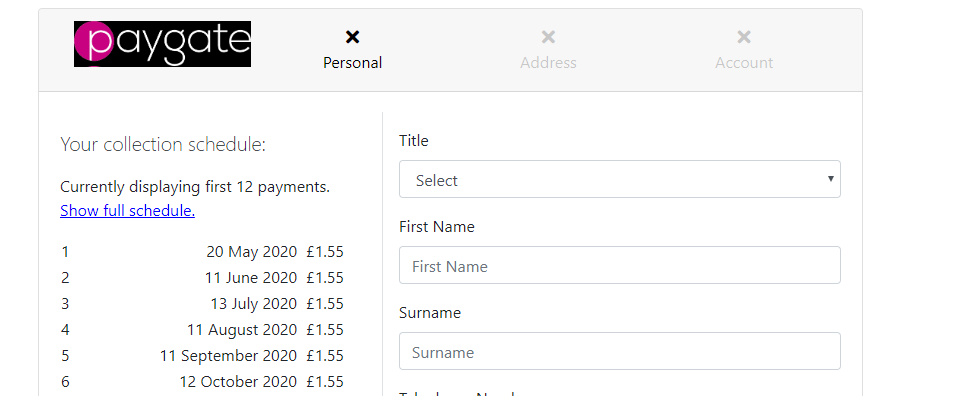
And with a couple of other adjustments to different elements:
#pageHeader {
    display: block;
    text-indent: -1000em;
    background-image: url(https://portal.paygate.cloud/landing/Content/Images/Logos/pg-magenta-119y.png);
    background-position: unset;
    background-size: contain;
    background-color: black;
    height: 46px;
    width: 177px;
}

#scheduleBox { }

#scheduleTable { }

#dd-logo { }

#pg-logo { }

#headerArea {
  background-color: black;
  color: white !important;
}

.wizard-active {
  color: white !important;
  text-decoration: underline;
}

.wizard-inactive {
  color: white !important;
  text-decoration: none;
}

.btn-primary {

}
A more dramatic change can be accomplished: